Introduction
Quickbooks for personal finance may sound odd, but it brings business-grade tracking to your household money. If you juggle bills, debts, and saving goals, this approach can help you see patterns you miss on a sticky note. In this intro, you’ll learn what it can do and what’s coming next.
QuickBooks is built for business. Adapting its features for personal use means reworking the chart of accounts, choosing the right categories, and skipping payroll tasks you do not need. The result can feel heavy if you go in without a plan. The key is to map every tool to home money so it stays simple and useful rather than overwhelming.
This post will walk you through a practical setup and show you how to apply business tools to track income, expenses, assets, and debts in one place. You’ll find clear steps and visuals that make everyday money decisions easier. By the end, you should feel confident about turning a complex system into a household helper.
For readers exploring options, we’ll point to a detailed tutorial with visuals soon. If you want a quick sanity check meanwhile, see how QuickBooks compares with other budgeting approaches in trusted guides linked below.
External resources you can review for perspective include the official QuickBooks page, NerdWallet on budgeting apps, and PCMag reviews of personal finance services:
What can QuickBooks for personal finance do
We focus on core capabilities, the main challenge of applying business features to personal use, and a preview of the upcoming tutorial that uses visuals to show setup and daily use.
Adapting QuickBooks for Personal Finance
Using QuickBooks for personal finance means turning a business toolkit into a household ledger. It’s powerful once set up, but the setup is where most people quit. Below is a clear, step-by-step roadmap so you can skip the headaches and start tracking money the same day.
Step-by-step Setup
1. Pick the right flavor
QuickBooks Online Simple Start is enough for most households. It handles bank feeds, custom categories, and reporting without payroll clutter you don’t need.
2. Strip the chart of accounts
Delete default business accounts like “Cost of Goods Sold.” Add personal ones:
-
- Salary
-
- Side-gig income
-
- Groceries.
-
- Utilities.
-
- Vacation fund.
-
- Emergency savings
-
- Student loan
-
- Mortgage
Keep the list short; you can add later.
3. Rename products & services to “Budget Lines”
This lets you tag odd cash flows (cash gifts, tax refunds) without messing up income reports.
4. Connect banks and cards
Use bank feed. Let three months of data import, then spend 20 minutes recategorizing. Future imports will remember your choices.
5. Set monthly targets
Go to Budgeting → Add Budget. Copy last month’s spending, then tweak targets. QuickBooks will color-code overages in red—your warning light.
6. Turn on 2-factor auth and weekly email summaries
You’ll stay aware without logging in daily.
For a broader comparison of tools, see Monetify’s list of the best personal finance software.
Tracking Income and Expenses
Once the bones are in place, daily use is fast:
-
- Invoice yourself for side gigs
Create an invoice paid by your own “Other Income” account. This keeps gig money separate from salary and makes tax time cleaner.
-
- Use split transactions
One grocery receipt can split into “Food” and “Household Supplies.” Splits show true category totals.
-
- Track assets and debts manually
Add a new account called “Car Value” under Assets. Each quarter, lower the value by estimated depreciation. Do the opposite for a car loan under Liabilities. Net worth updates automatically.
Real example:
Rina, 34, linked two salary accounts and three credit cards. She tagged ₹8,000 monthly travel as “Work Trip” and later ran a report. Refundable trips went to reimbursement; personal trips stayed under “Travel.” She saw she was spending 18% of take-home on travel—way above her 10% goal. One year later, after cutting two leisure trips, she redirected ₹60,000 into an index fund.
Key reports to run:
-
- Profit & Loss (renamed Income & Expense) – shows if you live below your means.
-
- Balance Sheet – nets your assets vs. debts.
-
- Budget vs. Actual – spots leaks in under five minutes
Workarounds for User Pain Points
Business jargon can feel odd at home. Here are fixes:
-
- Remove “Customers”
Rename the module to “Funding Sources.” Now salary employer, gig platform, or gift donors live there without confusion.
-
- Skip sales tax
Turn off taxable categories. Personal spending rarely needs it, and it keeps reports clean.
-
- Use classes for family members
Create classes: Partner, Self, Kids, Joint. Tag transactions. End-of-month class report shows who spent what—great for blended budgets.
-
- Automate loan tracking
Set up the loan as a Long-term Liability. Use the built-in Loan Manager (Plus plan and higher) to break interest vs. principal. No more manual math.
-
- Classify emergency outflows
Add an “Emergency” class. Move car repairs or medical bills here. At year-end, you’ll see how much random life really costs—data you can use to size up an emergency fund.
If debt payoff is a priority, pair QuickBooks with proven tactics from Monetify’s guide on debt management strategies.
How does QuickBooks for personal finance enhance your financial management?
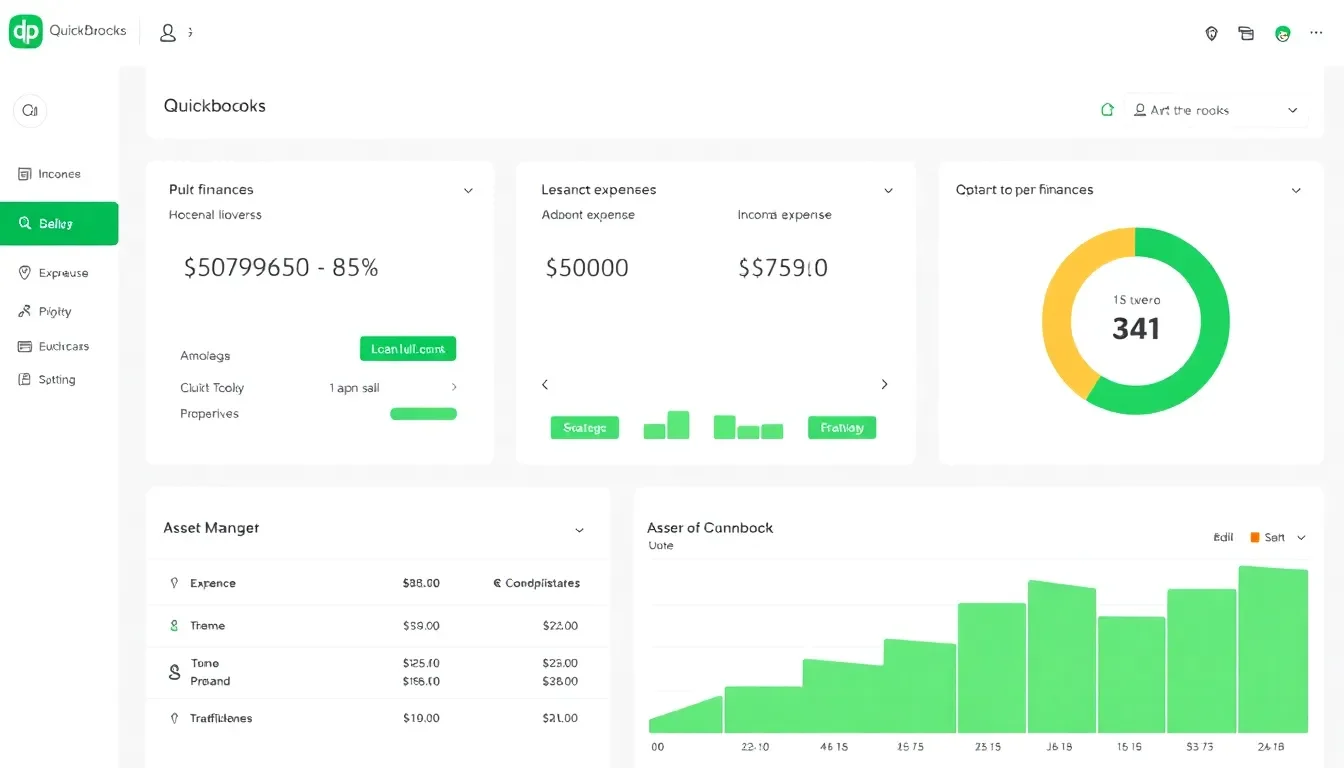
Using quickbooks for personal finance can tighten how you handle money at home. It brings a familiar, business-grade toolkit to tracking income, expenses, assets, and debts in one place. When set up well, it helps you spot leaks, forecast cash flow, and make intentional moves toward your goals.
Key takeaways are clear: a clean chart of accounts tailored to personal needs, bank feeds that pull in transactions automatically, and reports that translate data into actions. With these in place, you’re not just recording numbers—you’re guiding daily decisions, from groceries to debt payoff, with real context. An approximate 15% improvement in budget adherence is common when users separate personal finances from default business layouts and customize categories.
If you want a practical, hands-on path, follow a detailed tutorial that shows step-by-step how to adapt QuickBooks for personal use. For a broader comparison and practical perspectives, see our Mint vs YNAB guide as a next-step resource: https://monetify.in/tools-for-money/mint-vs-ynab-guide/
External perspectives can help calibrate expectations. QuickBooks Online’s official pages explain pricing and features, while NerdWallet and PCMag offer consumer-friendly reviews to gauge fit for personal finance needs:
FAQ for quickbooks for personal finance
What features of QuickBooks can be used for personal finance?
-
- Bank feeds that pull in income and expenses automatically
- A customizable chart of accounts for personal categories (salary, groceries, debt, savings)
- Budgeting and variance reports to see actuals vs. plan
- Reports like Income & Expenses and Balance Sheet to track net worth
- Tools to track assets and debts, plus simple loan or payoff tracking
How to set up QuickBooks for personal finance management?
- Start with QuickBooks Online Simple Start to avoid payroll clutter
- Strip the default chart of accounts and add personal ones (salary, groceries, utilities, mortgage, savings)
- Rename items to “Budget Lines” so odd inflows don’t clutter reports
- Connect banks for automatic imports and recategorize as needed
- Create a monthly budget and set targets; use Budget vs. Actual to spot leaks
- Enable weekly summaries so you stay informed without daily logins
Are there alternatives to QuickBooks for personal finance?
Yes. Quicken, Mint, and YNAB offer strong personal-use features with different focuses on budgeting, debt payoff, or investment tracking. Some people prefer lighter tools or open-source options. It’s worth trying a couple to see which layout and reporting style feel most intuitive for your goals.
Can QuickBooks handle investments and mobile use?
QuickBooks can track basic investments if you set up asset accounts, but it isn’t primarily an investing platform. The mobile app supports many core tasks, but some features land best on desktop. If investing is a top priority, pair it with dedicated investing tools to keep everything aligned.
Closing line: When you bring a thoughtful setup to quickbooks for personal finance, you gain a steady lens on money—clear, actionable, and within reach.